The Complete Guide to Formatting Your Book for Amazon KDP


The Complete Guide to Formatting Your Book for Amazon KDP
Why Formatting Matters More Than Most Authors Think
You've spent months, maybe years, writing your book. But if it arrives on a reader's Kindle with inconsistent fonts, broken paragraph spacing, or a table of contents that doesn't link anywhere, all of that work gets undermined in the first thirty seconds. Formatting is the difference between a manuscript and a finished book, and Amazon KDP has specific technical requirements that most word processors don't handle well out of the box.
Choosing the Right Trim Size
For paperbacks, KDP offers a range of standard trim sizes, with 5" x 8", 5.5" x 8.5", and 6" x 9" being among the most common choices for fiction and non-fiction respectively. Your trim size affects your page count, your margins, and ultimately your printing cost, so it's worth choosing early rather than reformatting later. Non-standard or unusual trim sizes can also make your book stand out less on a shelf next to genre norms readers already expect.
Margins and Bleed
KDP requires specific margins based on your page count, since thicker books need a wider inside margin to remain readable once bound. If any images or design elements touch the edge of the page, you'll also need to account for bleed, an extra margin of image area that gets trimmed during printing so you don't end up with a thin white line at the edge. Getting this wrong is one of the most common reasons manuscripts get flagged during KDP's review process.
Front Matter Order
Readers expect books to open in a certain order, and skipping or misordering these pages looks unpolished even if they don't consciously notice why. A typical front matter sequence is: title page, copyright page, dedication (optional), table of contents, and then your first chapter. Your copyright page should include your copyright notice, edition information, and ISBN if you have one.
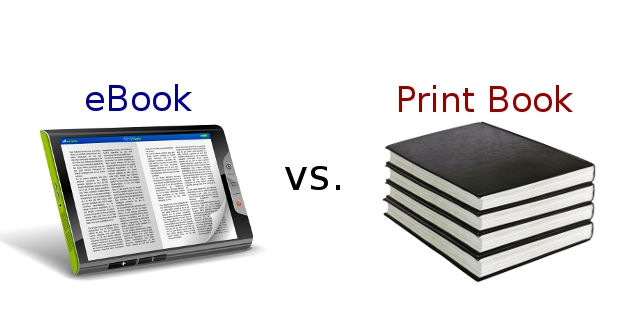
Ebook vs Paperback Formatting Are Not the Same Job
A file that looks perfect as a PDF for print will often break completely when converted to Kindle's reflowable format. Ebooks need to adjust to different screen sizes and font settings a reader chooses, which means fixed page breaks, manually created blank space, and image-heavy layouts often don't translate well. If you're publishing in both formats, plan for two separate formatting passes rather than assuming one file does both jobs.
File Types KDP Accepts
For paperbacks, KDP accepts print-ready PDFs. For Kindle ebooks, KDP primarily works with EPUB and Word documents, which it converts internally, though EPUB generally gives you more control over how your book displays on different devices. Fonts should be embedded in your PDF to make sure your book looks the same on every printer's system, not just yours.
The Bottom Line
None of this is impossible to do yourself, but small mistakes compound: a missed margin, an unembedded font, or an inconsistent heading style can mean multiple rounds of resubmission before KDP approves your file, delaying your launch. If you'd rather skip the trial and error, EverBrook Publishing formats manuscripts for both paperback and Kindle, so your book meets KDP's requirements the first time and reads the way you intended from page one.