Paperback vs Ebook Formatting: What Every Self-Published Author Should Know


Paperback vs Ebook Formatting: What Every Self-Published Author Should Know
Two Formats, Two Sets of Rules
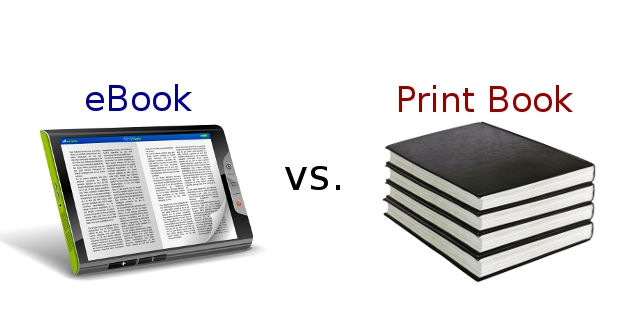
Many first-time authors assume that once their manuscript is formatted, it's ready for both print and Kindle. In reality, paperback and ebook files behave completely differently, and a layout that looks polished on a printed page can look broken on a phone screen. Understanding these differences early saves you from having to redo work later.
Fixed Layout vs Reflowable Text
A paperback file is fixed. Every page break, every line, every image placement stays exactly where you put it, because the physical page size never changes. An ebook, by contrast, is reflowable by default: readers can change the font size, the font itself, the line spacing, and even the screen orientation, and your text needs to rearrange itself cleanly no matter what settings they choose. A paragraph that ends perfectly at the bottom of a printed page might jump awkwardly mid-sentence onto a new page once someone increases their font size on a Kindle.
Images and Design Elements
In print, you have full control over exactly where an image sits relative to text. In ebooks, images need to be handled more carefully, since they'll resize and reposition based on the reader's device and settings. High-resolution images that look great in a PDF can also bloat file size or display inconsistently across different Kindle devices and apps if they aren't optimized properly.
Table of Contents: Functional vs Decorative
In a paperback, your table of contents is essentially a list with page numbers, purely for reference. In an ebook, your table of contents needs to be a live, clickable navigation element that jumps readers directly to each chapter, and KDP specifically checks for this during file review. A missing or broken linked table of contents is one of the most common reasons ebook files get rejected or need resubmission.
Front and Back Matter Considerations
Some front matter that makes sense in print, like a striking title page design, may need to be simplified for ebooks so it renders consistently across devices. Similarly, calls to action, like asking readers to leave a review or join your mailing list, are often more effective at the end of an ebook where a reader can tap straight into a web link, compared to print where that link has to be typed in manually.
Don't Format Twice From Scratch, Format Once with Both in Mind
The most efficient approach is to structure your manuscript with both outputs in mind from the start: clean heading styles, no manual page breaks disguised as paragraph spacing, and images sized appropriately for both mediums. From there, print and ebook versions can each be finished separately without conflicting requirements fighting each other in the same file.
Get It Right the First Time
If juggling two formats sounds like more work than you want to take on alongside writing your next book, EverBrook Publishing handles both paperback and Kindle formatting as separate, dedicated passes, so each version is built correctly for how readers will actually experience it.